Flight and transfer
GENI approach, AXIOM clearance, and the canister handover.
Open flight displayEarth & Space simulations
Fly a Qi shuttle, take a systems watch, or replay a fleet fault in the TCC. Each exercise runs in your browser with simulated data.
Bring the ZS transfer shuttle to Fronak’s research port. Hold for clearance, close in and engage the latches after capture is confirmed.
In Manual thrusters mode, tap or hold the controls. Focus the approach view to use the keys shown.
The approach view shows Fronak’s docking module and a schematic shuttle. In the port sight, the dashed ring marks the host and the solid ring follows the shuttle’s offset and roll. A separate simulated contact sensor confirms capture before latching. Ranges, motion limits and timing are for this exercise.
Run a simulated watch aboard Feros. Follow the service bus and cabin systems, inspect fiber-optic telemetry, and replay anomalies.
crew Simulated data
Select a system to inspect its readings.
Each step covers one simulated minute. Power is dispatched to essential services first, and reserve can fill their shortfall. Heat and cabin service use exercise indices. The fiber diagram shows simulated reporting paths. The power figures, instrument thresholds and timing are exercise values.
Take the duty station for a Fronak research transfer. Open the flight, engineering, and telemetry displays and move them to your monitors.
ZS transfer shuttle Simulated watch
GENI approach, AXIOM clearance, and the canister handover.
Open flight displaySERAT supply, battery reserve, cooling, and cabin air.
Open engineering displayNEXUS timing, CMC and Aurora status, and the event history.
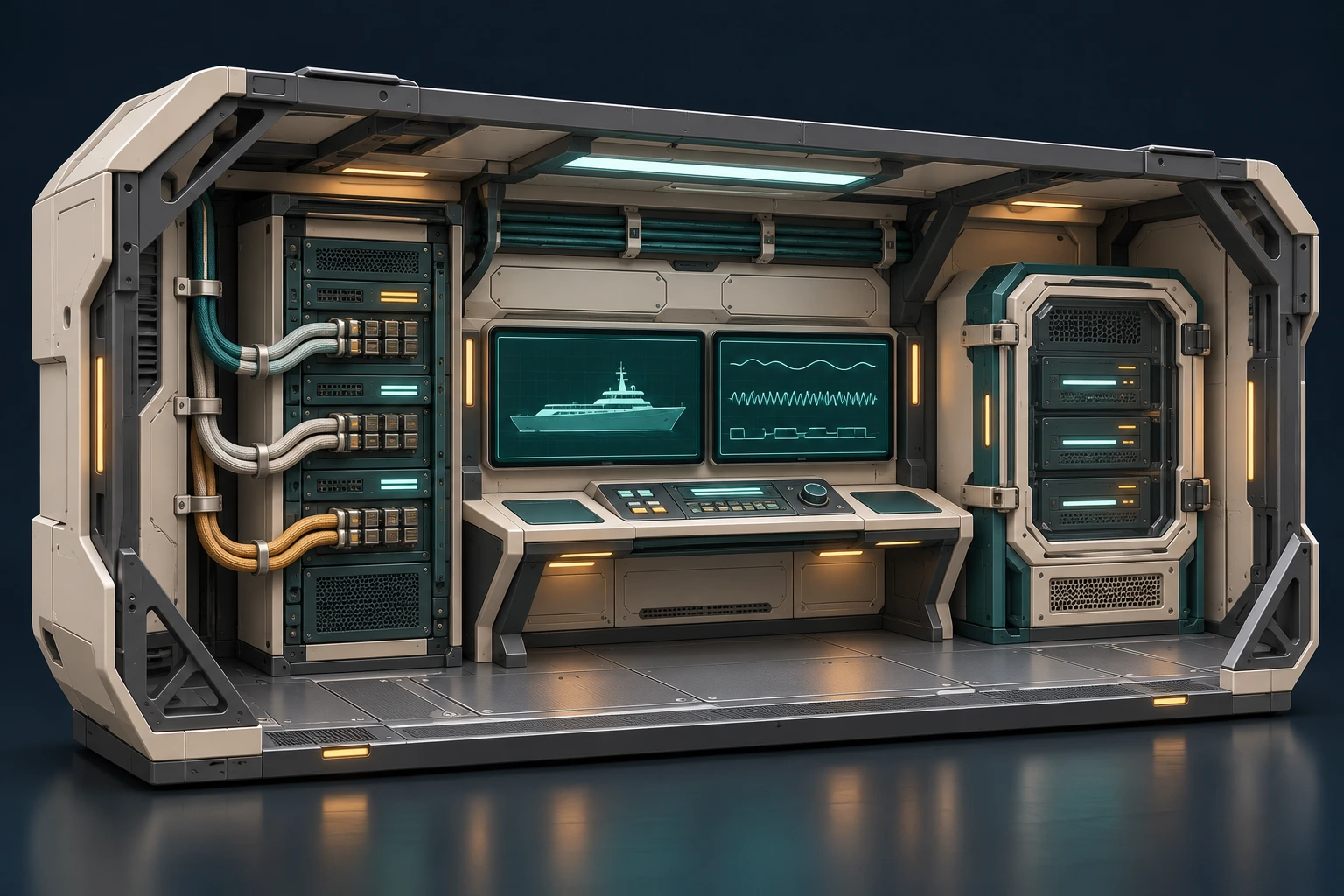
Open telemetry displayFollow a local fault, the fleet report and the evidence that closes the incident in the Telemetry Coordination Chamber.
| Vessel | Normalized error | Readback | Local AXIOM | FCMC-1 assessment |
|---|
Each step supplies synthetic observations and identity checks. A report ages from its observation step and is stale after two steps. Channel thresholds, energy units and fault timing are exercise inputs. Live communications, power, cooling and hardware performance require separate tests.
Conventional radio and optical links carry engineering reports. The GENI field path and IT Jump are concept exercises. Vessel-local AXIOM retains physical authority throughout the replays.
Watch the uptime and power draw of the 25-region Outverse shield. Adjust the power request or run a simulated region fault and recovery drill.
Follow essential loads and flexible loads through a change in supply. See when stored energy runs out.
Compare an onboard flow reading with the expected value. Watch the fleet view age through a relay outage and recover when reports arrive.
Track an example tracer as crew activity adds it and the scrubber removes it. Adjust circulation to see how much reaches the scrubber.